
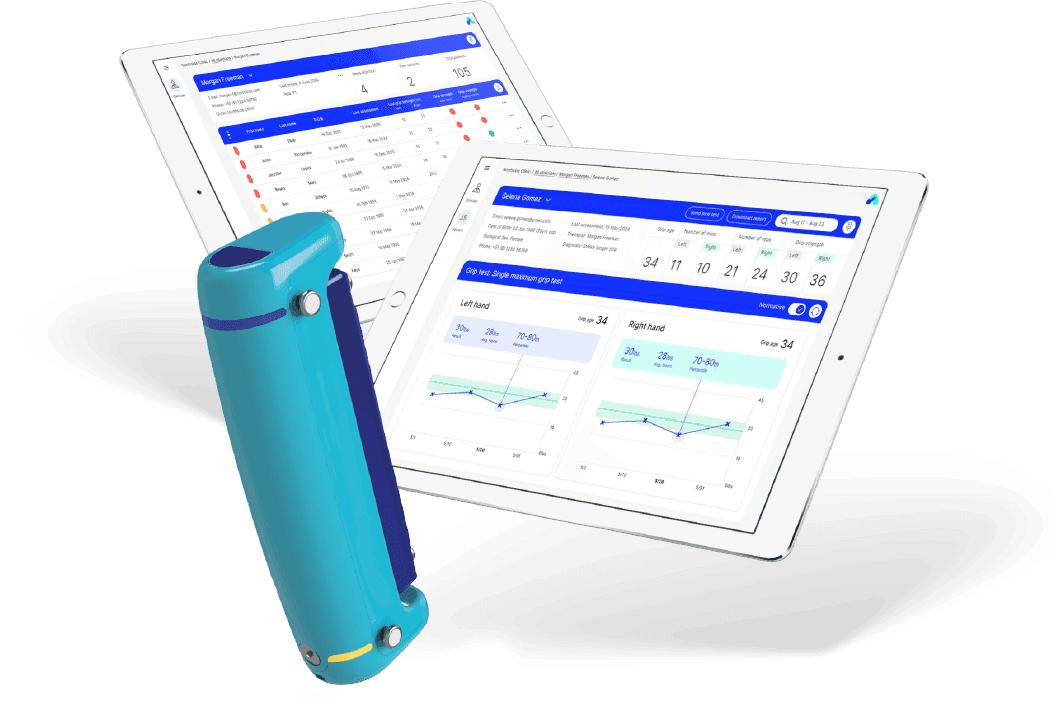
Video walkthrough
Full Able Assess training walkthrough — sensor setup, screening workflow, and results review.
How it works
Step-by-step walkthrough
01
Unbox and Download App (5 minutes)
The sensor and charger arrive in a single box. Charge the sensor, download the Able Assess app, and create your account.
02
Watch Training Video (15 minutes)
The training video covers sensor use, correct positioning for each assessment, and how to interpret results.
03
Select Person and Run Screening (5 minutes)
Open the app, select the person being screened, confirm consent, and guide them through the balance and strength movements.
04
Results Appear Instantly (1 minute)
The risk score, concerning measures, and personalized recommendations are available immediately after the screening is complete.
05
Review and Share (2 minutes)
Review results on the dashboard. Share via encrypted link, EHR integration, or printed report. All data is stored securely for longitudinal tracking.