
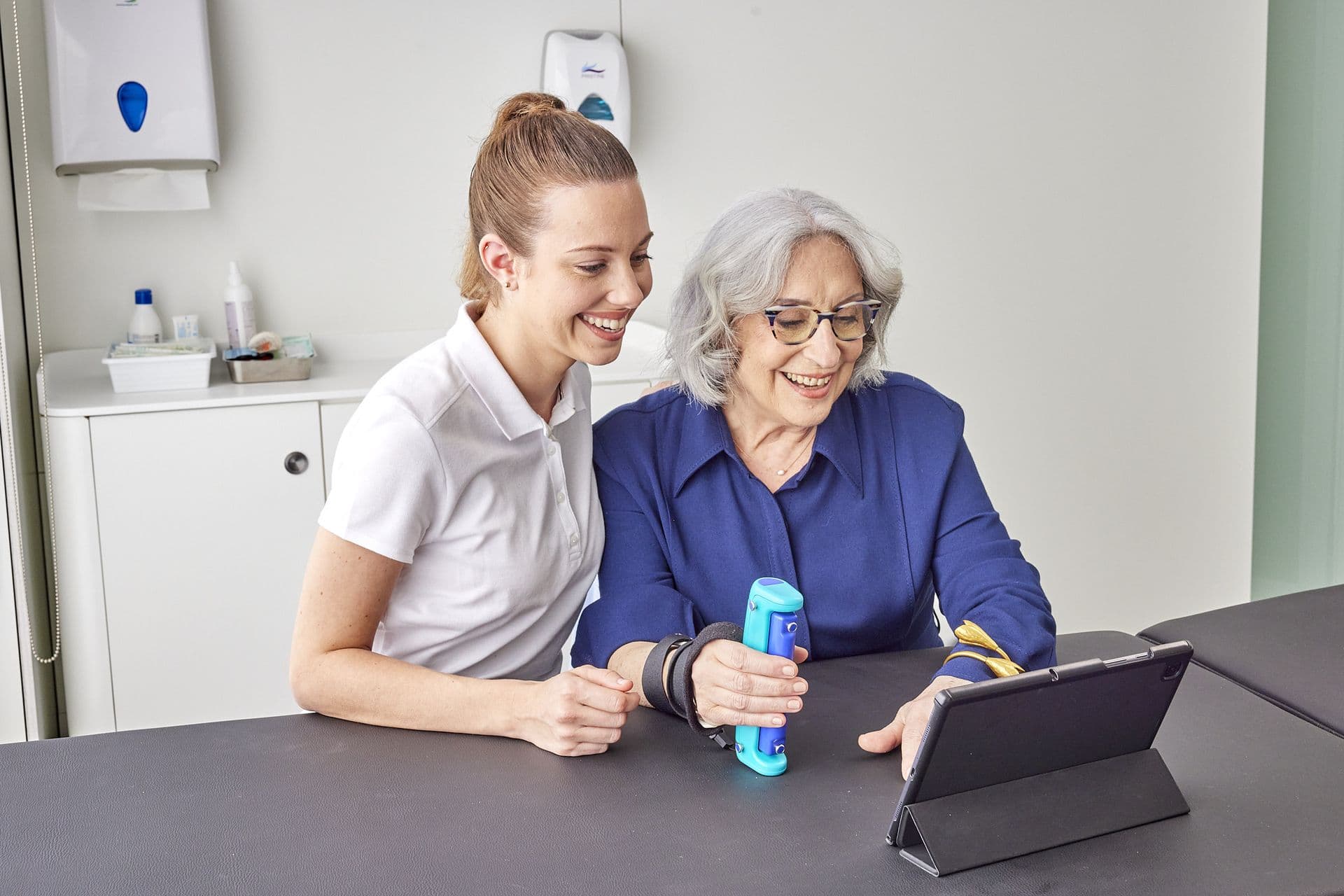
What you get
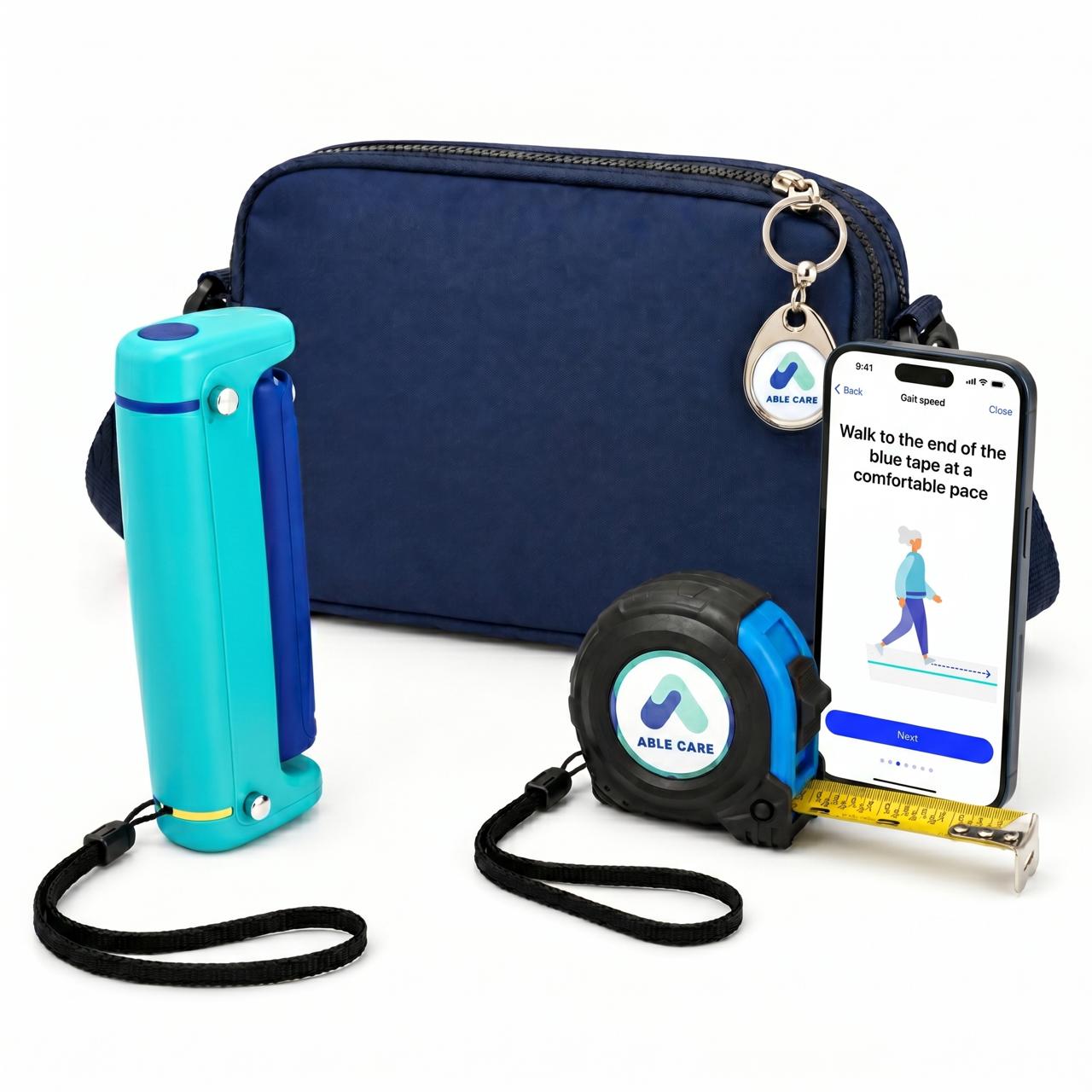
The kit
A GripAble sensor, a measuring tape, and the blue fanny pack that holds the sensor during the gait, balance, and chair-stand tests. Ships ready to use.
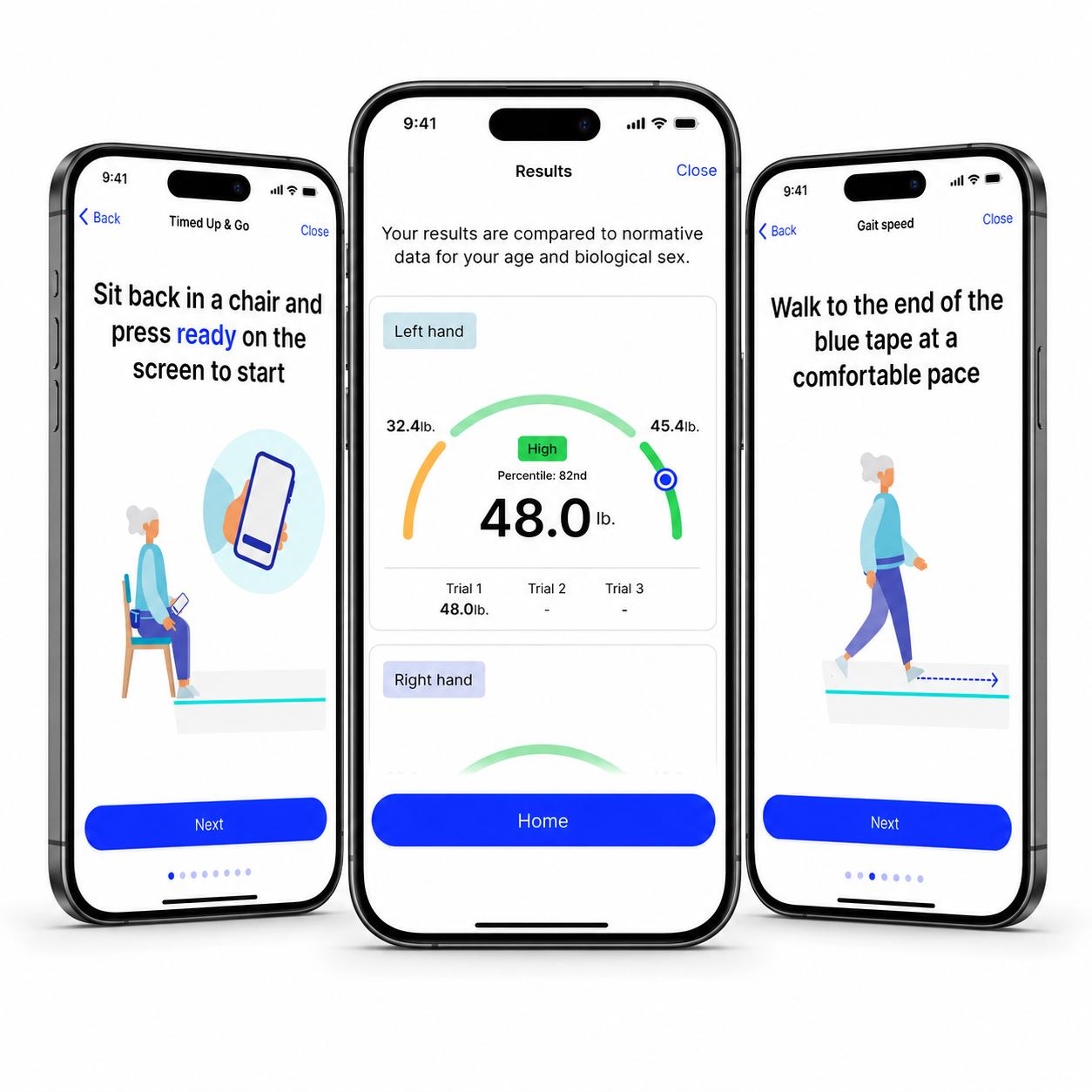
The Able Assess app
Walks any staff member through every test, step by step. Fifteen minutes of training, no clinical certification needed.
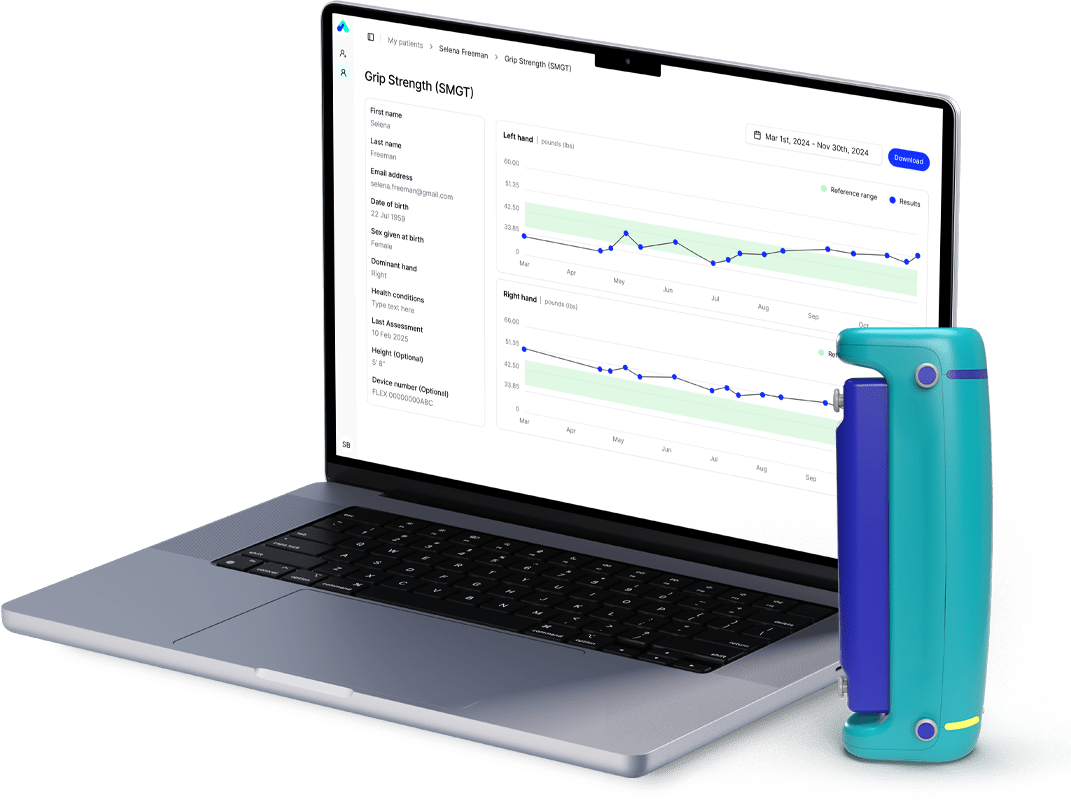
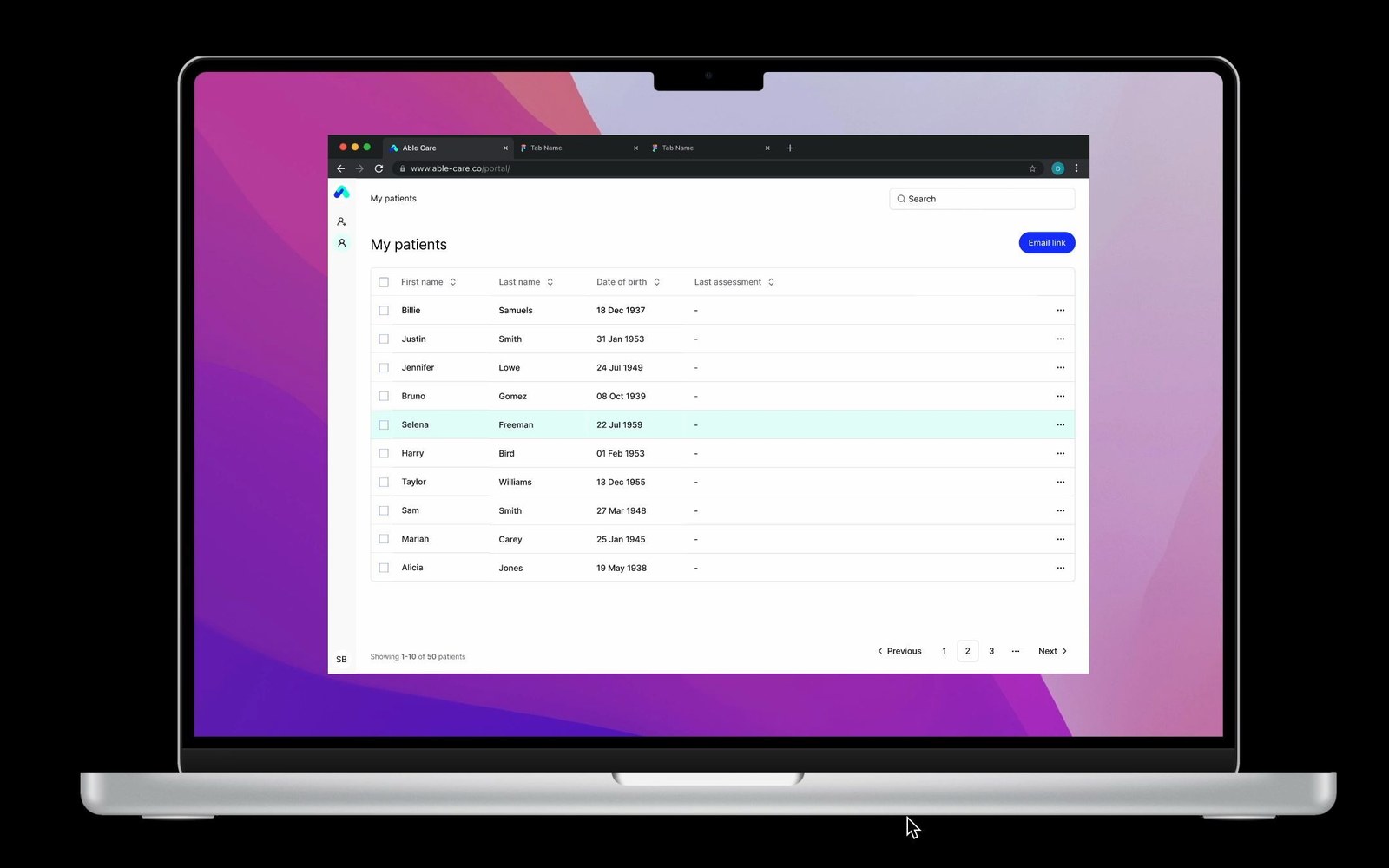
The Able Assess portal
See risk stratification across your population, and track changes for any individual over time. Export reports for care plans, family meetings, or audits.
What it measures
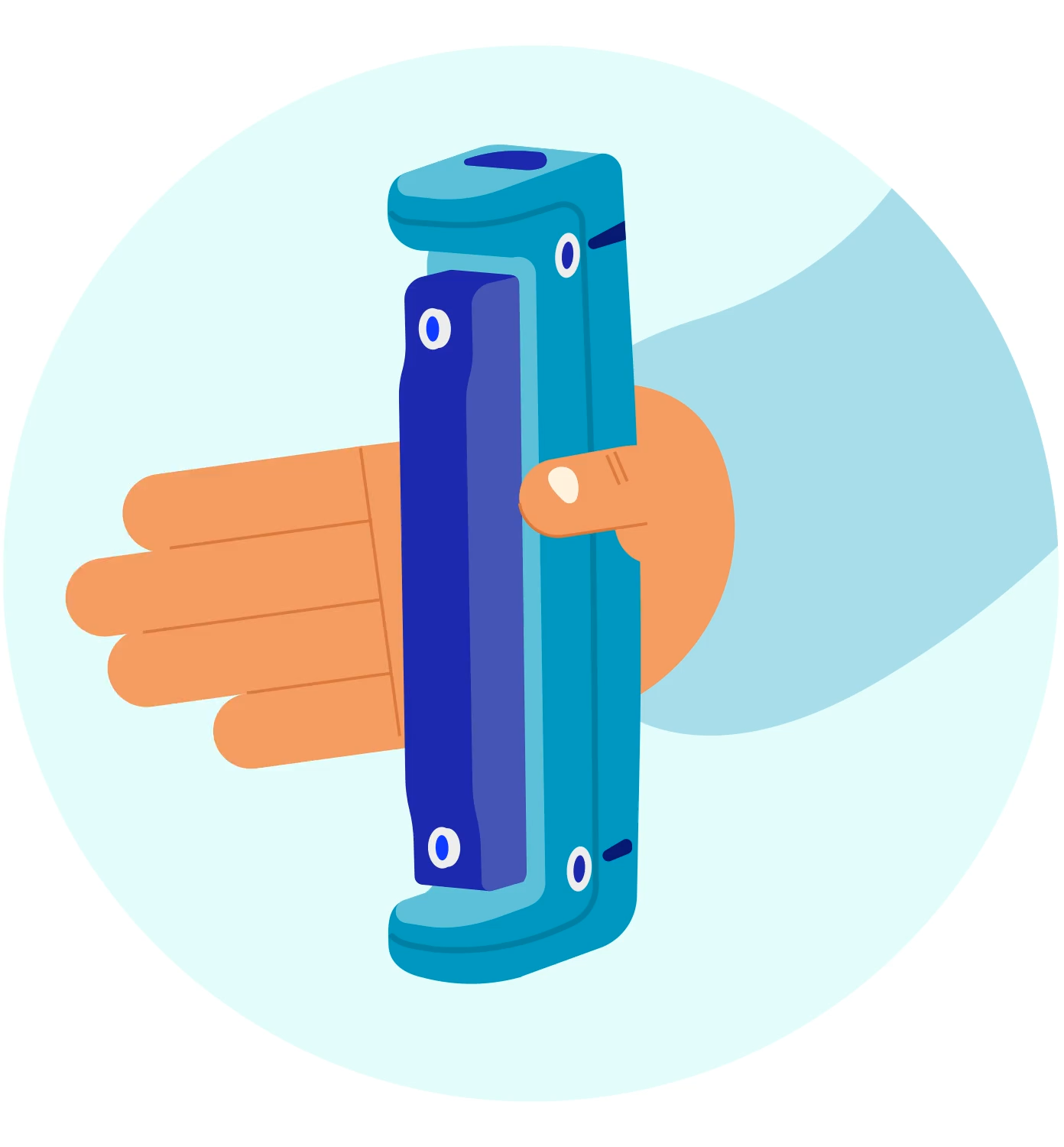
Single Maximum Grip Strength
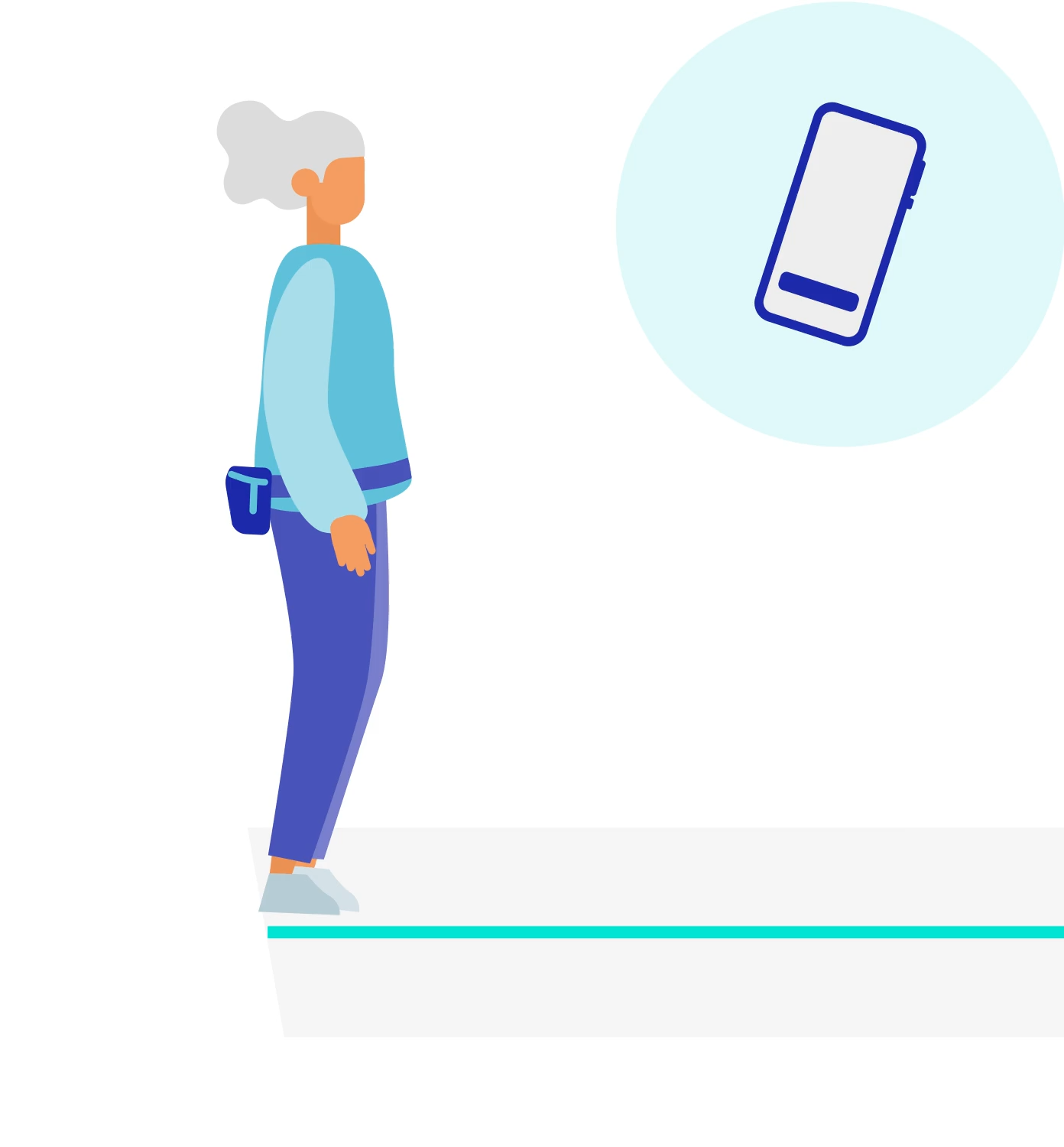
Timed Up & Go (TUG)
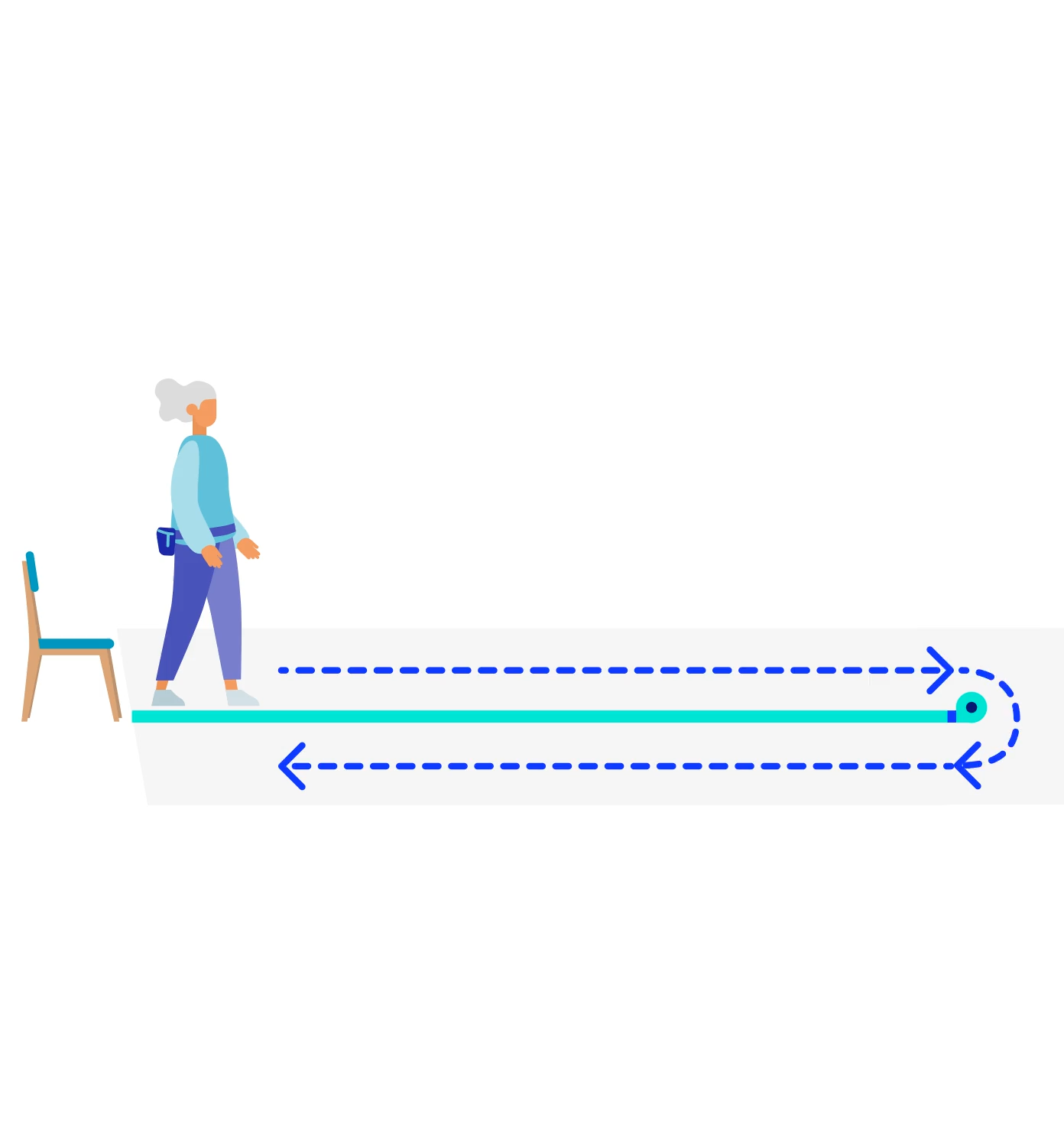
Four-Meter Gait Speed
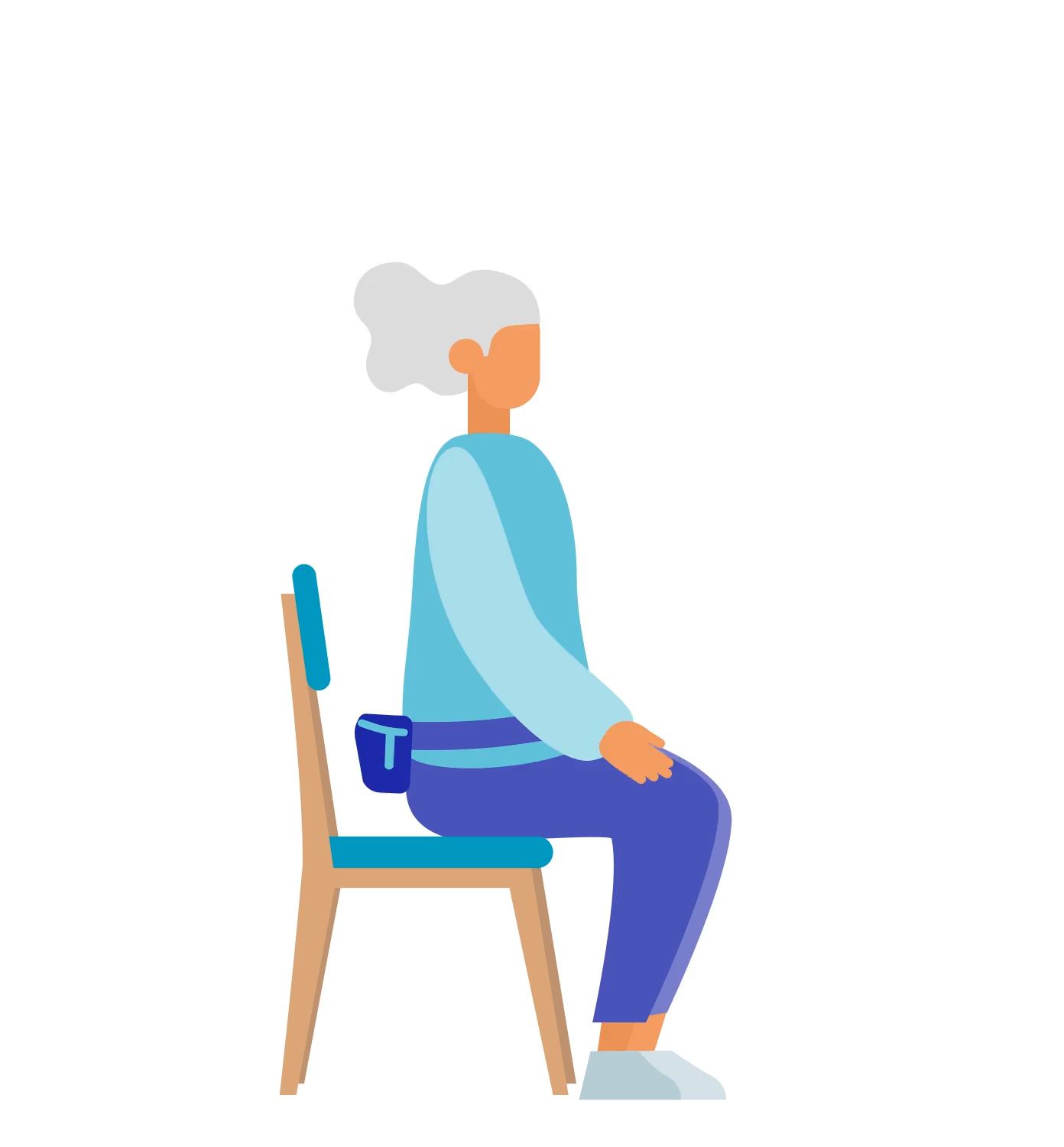
30-Second Chair Stand
The Assessment Process
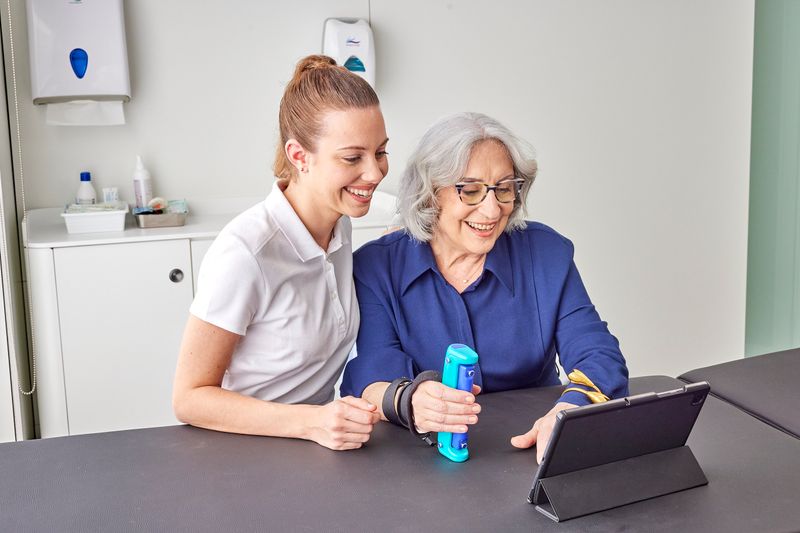
Measure Grip Strength
The participant squeezes the GripAble sensor when prompted. The app records the maximum reading and stratifies it against age-banded norms.
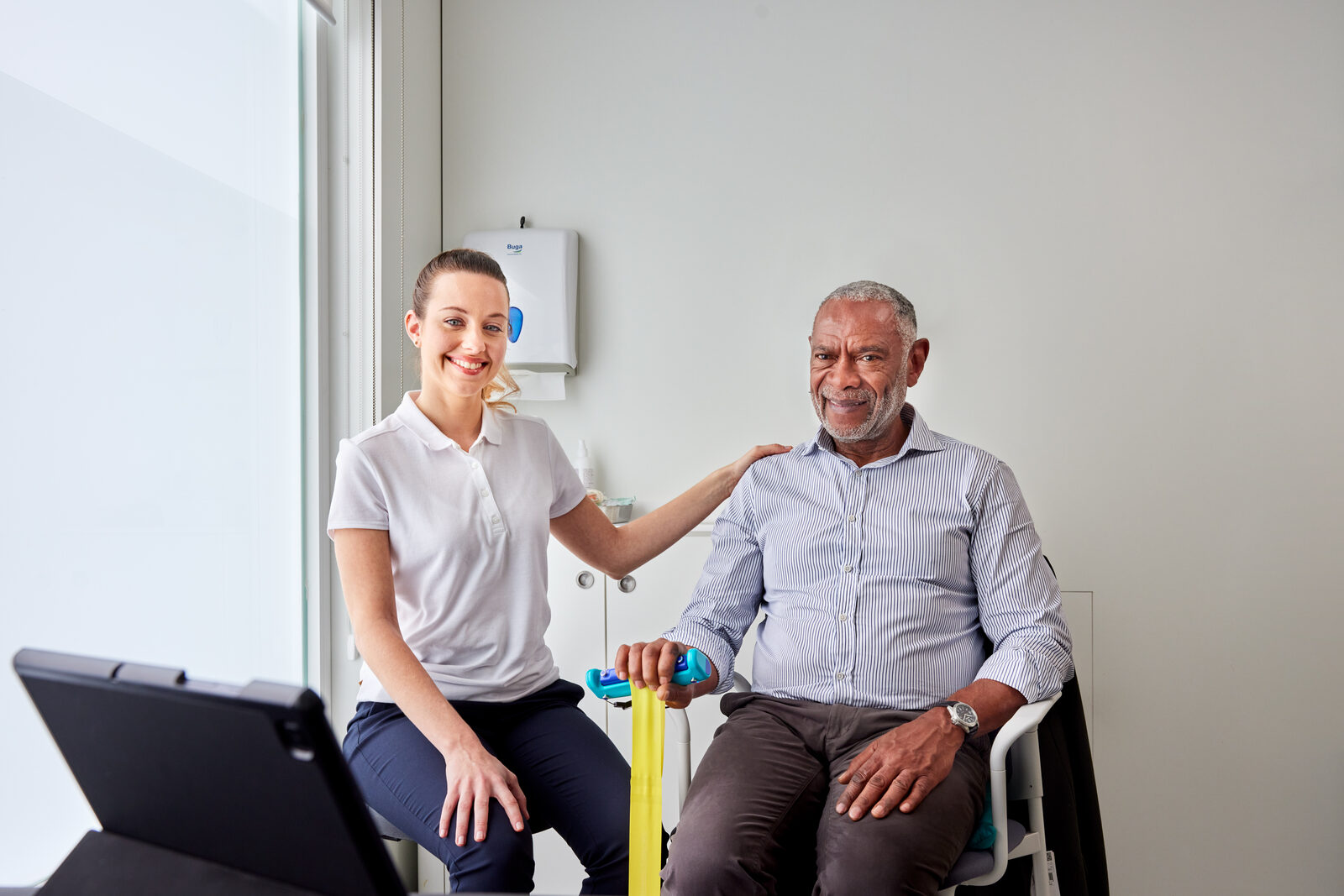
Lower-limb assessments
Slip the sensor into the fanny pack. The app walks you through the Timed Up & Go, four-meter gait speed, and 30-second chair stand - all using the same sensor.
View outcomes
The app stratifies the participant into low, intermediate, or high falls risk. Results sync to the Able Assess portal for trend tracking and reporting.
So what?
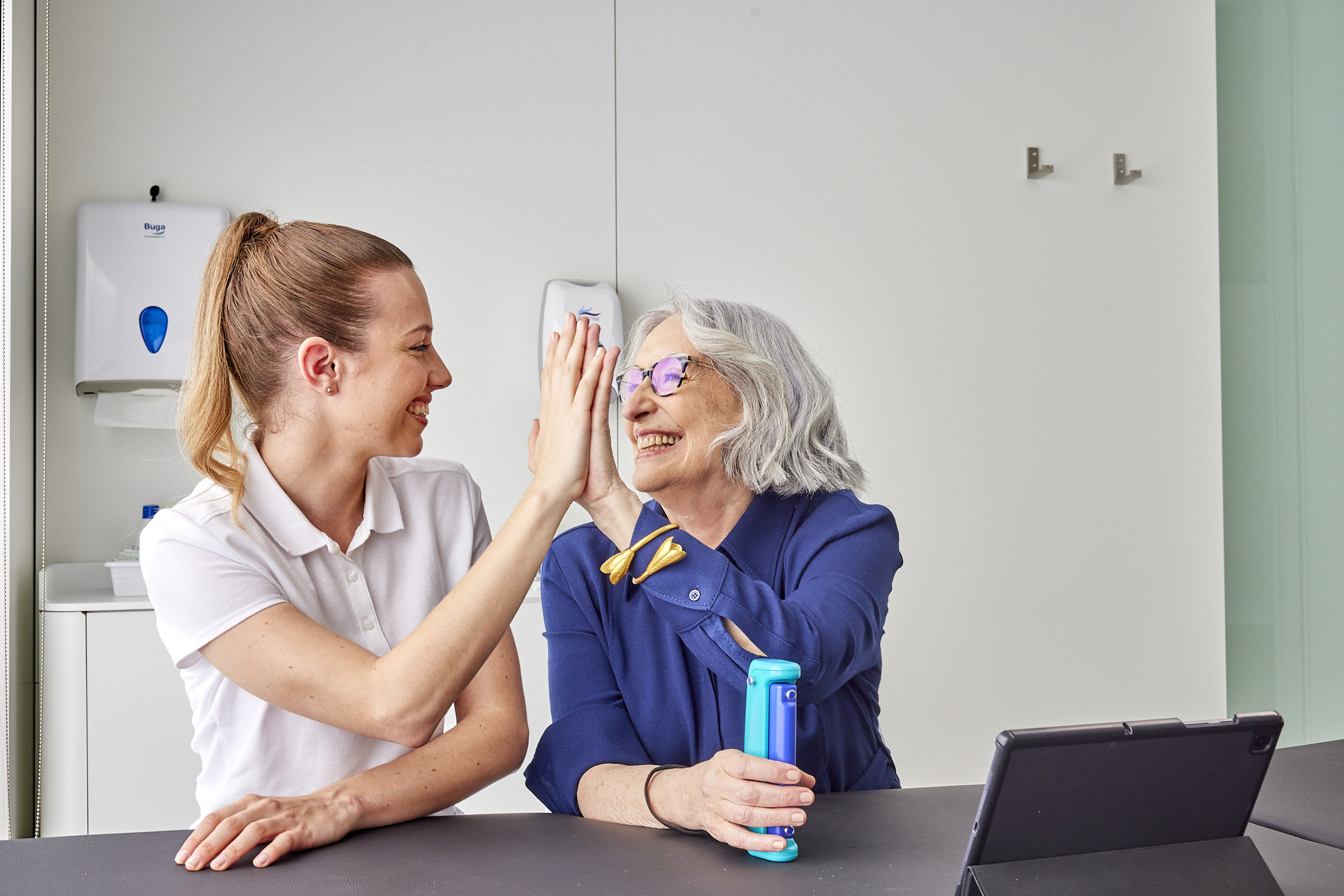
Direct
Co-branded communications help seniors understand recommendations from the CDC STEADI protocol - and the services available in their community.
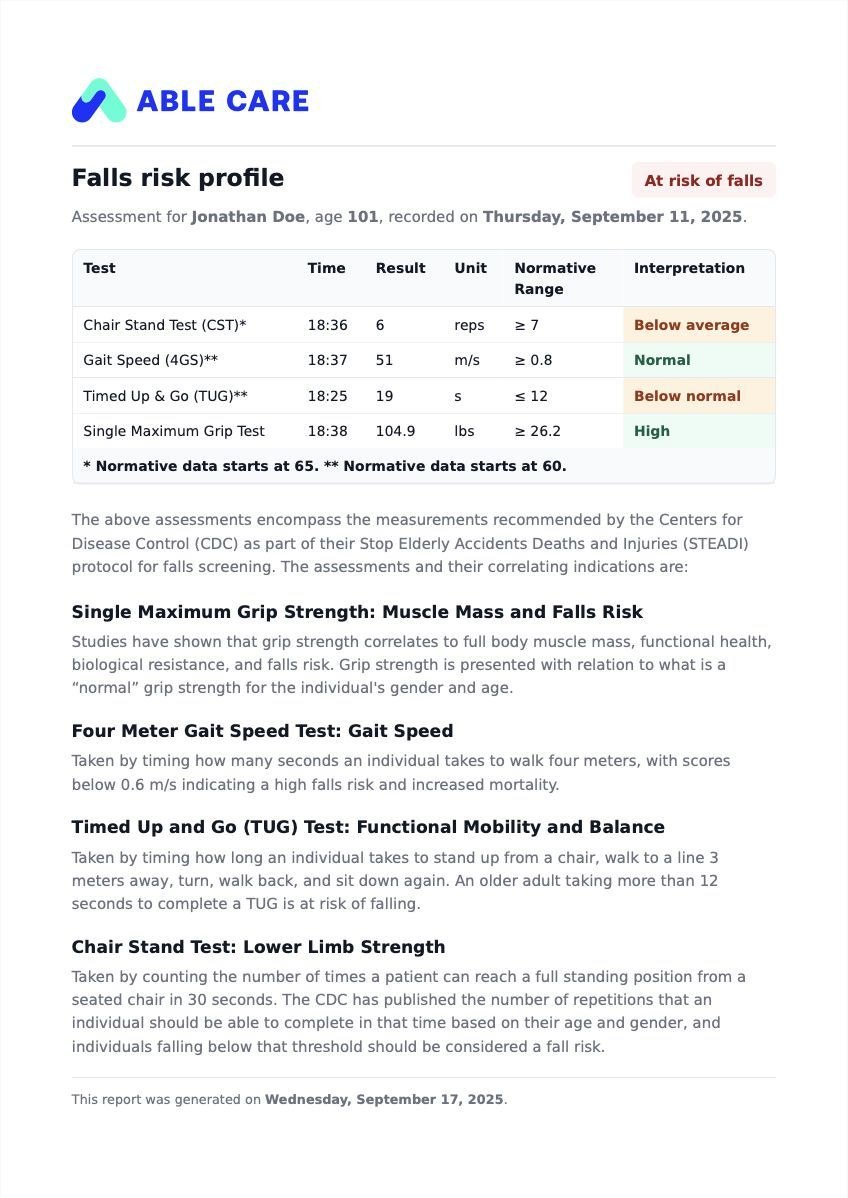
Report
The assessment report is defensible documentation for a referral to physical therapy or other preventative care, as directed by a primary care physician.
Monitor
View screening data over time in the Able Assess portal to understand improvement or decline at the individual and population level.
Want to understand how it works in your setting?
Able Assess adapts to your environment. Pick your setting to see the segment-specific case.
Home Care
Reduce client falls, standardize across non-clinical caregivers, and protect HHVBP performance.
Senior Living
Protect residents and occupancy. Objective screening across IL, AL, SNF, and CCRC.
Pharma & CROs
Grip strength as a clinical trial endpoint. Remote, objective, defensible.
See it in action
Three short clips, captured from a real screening. The full walkthrough on the left shows how staff run the assessment. The two results screens on the right show how Able Assess presents the outcome - clearly flagging an at-risk participant, and reassuring a not-at-risk one - the moment screening ends.
End-to-end demo, app open to participant report.
How the app flags a participant who needs follow-up.
How the app reassures a participant whose screening is clear.